
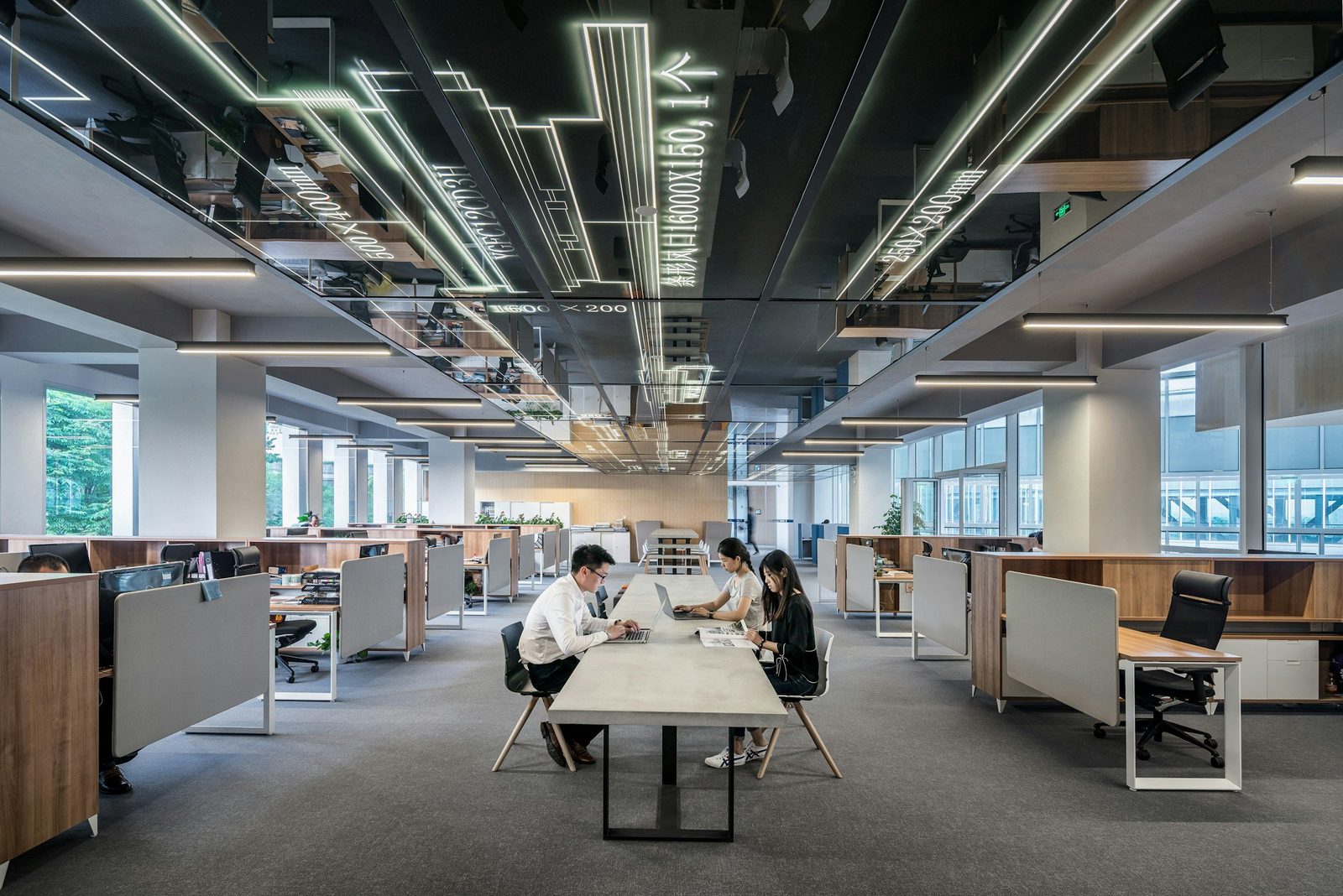
PTS is an ISO 27001 and ISO 20000 certified office IT relocation company in Hong Kong. We move offices, server rooms and data centres — cabling, servers, network, Wi-Fi, AV and end-user devices — running the cutover overnight or across a weekend, coordinating goods-lift and riser access with building management at both ends, and keeping engineers on site into the first business day. Moving offices and servers across Hong Kong, Mainland China and Singapore since 2001.
Planning an office move? PTS manages the IT side of your office relocation end to end: cabling, server moves, network reconfiguration, Wi-Fi, AV, and end-user devices. Proper cutover planning, on-site go-live support, and a day-one helpdesk so your office move happens without business disruption.
What makes a PTS office relocation different
- ISO 27001 and ISO 20000 certified, so chain of custody and service management are externally audited rather than asserted.
- Secure IT asset disposition — on-site drive destruction with photographic evidence, certified disposal, and an asset register that survives an internal audit.
- Regulated-sector experience — we ran the Hong Kong and Singapore relocations for a global law firm, and work routinely with financial services firms and family offices where confidentiality is part of the move plan, not an afterthought.
- Out-of-hours cutover run overnight or across a weekend, with rollback options held open until the new site is proven.
- One team across Hong Kong, Mainland China and Singapore, so a regional move runs to one plan rather than three local ones.
- Engineers on site into day one, triaging at the desk as people sit down.
Whether it’s a small office move across town or a multi-floor relocation across Hong Kong, China or Singapore, we plan, sequence, and run the IT side of the move so the team can start working the next morning. If your move is part of an expansion into Singapore, our IT support in Singapore team can run the local side of the cutover and support the new office day to day once you’re in.
See how we delivered a 250,000 sq ft corporate office fit-out and a HK + Singapore relocation for a global law firm. Related reading: Planning an office move and our new office IT setup checklist if you’re building the new space from scratch.
Free planning tool
Moving office? Get your IT move plan in three minutes
The Office Move IT Planner builds your week-by-week T-minus plan — circuits, cabling, movers, meeting rooms — and flags anything at risk on your actual timeline. Keep it as a PDF, or send it to us for a free move review and a costed plan.
How we run an office move
A successful relocation is a runbook, not a gamble. We document the plan, control the cutover, and stay on-site until the business is stable.
1. Survey and inventory
Site walk, asset list, photos, rack layouts, and a clear view of dependencies.
2. Move plan and cutover
Schedules, stakeholder comms, fallback paths, and responsibilities defined early.
3. Decommission
Controlled shutdown, labelling, anti-static packing, and protective handling.
4. Secure transport
Tracked delivery and careful handling for critical equipment and sensitive assets.
5. Rebuild and configure
Racks, network, Wi-Fi, endpoints, and meeting rooms brought online in the right order.
6. Test and go-live
Validation, issue triage, and on-site hypercare so users can work normally.
Free interactive tool
How mature is your IT? Find out in three minutes
Walk through the IT Maturity Assessment: answer plain-English questions (Yes, No or Not sure — no IT knowledge needed), see where you stand, and get a proposed scope of services — then keep it as a PDF or send it to us for a free assessment and a costed quote.
Office IT relocation checklist
The items below decide whether the new office works on day one. Start them early — several carry lead times measured in weeks, not days.
- Structured cabling and connectivity. Order internet circuits early — they often have long lead times — and plan copper and fibre cabling for data, voice, AV and security as part of the fit-out. See IT Projects.
- Server and network moves. De-rack, pack, transport, re-rack and recommission, with cutover sequencing and rollback options for firewalls, switches, circuits and routing.
- Wi-Fi survey for the new office. Survey-led design and heat mapping before you move in, so coverage, roaming and capacity hold up from day one. See Wi-Fi services.
- Meeting-room AV. Video conferencing, Teams Rooms and room systems installed and readiness-tested before the first meeting. See AV design and consultancy.
- Dilapidation and decommissioning. Controlled shutdown, labelling and packing of equipment in the old office, so handing the space back doesn’t become a last-minute scramble.
Planning an office move in Hong Kong?
Cabling, connectivity, servers and AV — planned and moved without downtime
Why PTS
Moves are high-risk because there are too many handoffs. We keep ownership with one team from planning through go-live.
Proven delivery
Experience delivering relocations and wider IT projects across Hong Kong and APAC.
Minimal downtime
After-hours cutovers, phased moves where needed, and practical fallback options.
Security-led operations
Controlled processes and disciplined service management, aligned to recognised standards.
End-to-end accountability
One owner from planning to execution, with clear reporting and no surprises.
What we relocate
Office moves fail when IT is treated as an afterthought. We plan the dependencies, run the cutover, and validate everything before your teams return to work.
Servers, racks, and storage
De-rack, pack, transport, re-rack, and recommission with labelling and verification.
Network core and internet edge
Firewalls, switches, circuits, and routing, including cutover sequencing and rollback options.
End-user devices
Desktops, docks, printers, and shared devices, rebuilt and tested at the new desks.
Wi-Fi, comms rooms, and cabling
New comms room readiness, patching standards, and stable wireless coverage from day one.
VoIP and collaboration
Teams calling, room systems, conferencing, and meeting room readiness testing.
Security and continuity
Access control, monitoring, backups, and security checks during and after the cutover.

Relocation add-ons
Many firms use a move as a clean point to fix underlying issues. If you want, we can combine relocation with a refresh.
Structured cabling
Design support, vendor coordination, standards, labelling, and testing oversight. See IT Projects.
Wi-Fi design and installation
Coverage planning and deployment for stable roaming and consistent performance. See Wi-Fi services.
Firewall and switching refresh
Upgrade and standardise core infrastructure while everything is already in change. See IT Projects.
AV and meeting room deployments
Video conferencing, Teams Rooms, signage, and room readiness testing. See AV design and consultancy.
Procurement
Replace or upgrade aging kit with proper licensing, warranty, and asset control. See IT Procurement.
Documentation and handover
As-builts, port maps, rack elevations, and a clean operational baseline — handed to your IT support team for day-two ownership.
Data centre and server relocation
Alongside office moves, PTS handles the heavier end of relocation work: data centre relocation — also written data center relocation — plus server room moves and comms room migrations across Hong Kong, whether the racks are moving with the office or the servers are moving on their own. The equipment is less forgiving than desks and docking stations, so the process is tighter.
A standalone server room or data centre move is scoped differently from an office move. We start from rack counts, unit heights and loaded rack weights, because the floor loading, the goods lift capacity and the transport all follow from them — a populated rack can weigh several hundred kilograms and will not go the same way the desks do. Where the equipment is moving into or out of a colocation facility, coordination runs with the data centre operator as well as building management: access passes and escorted-works rules, loading-bay and lift booking, permitted works windows, and the operator’s own change process. Those are different gates from a landlord’s, and they are usually booked further ahead.
- Planning and sequencing. Rack elevations, asset and dependency mapping, and a shutdown/startup sequence agreed in writing before anything is powered off.
- Controlled shutdown and de-racking. Labelling, cable documentation, anti-static packing and protective transport for servers, storage and network equipment.
- Rack migration and rebuild. Re-racking to the new elevations, patching to documented port maps, and power-up in dependency order in the new comms room or data centre space.
- Connectivity cutover. Circuits, firewalls and routing switched over in sequence, with rollback options held open until the new site is proven.
- Testing and verification. Each system checked against its pre-move baseline before it is declared live, with engineers on standby into the first business day.
Server relocations typically run overnight or across a weekend, coordinated with building management at both ends for goods lift, riser and after-hours access — the same constraints covered in the FAQs below, with tighter tolerances.
Talk to us about your move
The earlier we see the floor plan, the more options you have. Tell us the address and the target date and we’ll tell you what’s achievable.
Planning an office or server move?
Talk to an engineer — costed proposal, no obligation
Office relocation FAQs
How far in advance should we start planning the IT side of an office move?
Start as soon as the new lease is signed, and before the fit-out design is fixed. The IT items with the longest lead times — internet circuits, structured cabling design and any AV that needs joinery or power coordination — all have to be agreed while the fit-out is still on paper. Bringing IT in late is the single most common reason a move slips, because cabling and containment decisions get made by others and then have to be undone. If the move is already close, tell us the date and we will work back from it and tell you honestly what is achievable.
Do we need landlord or building management approval for IT works?
Almost always, yes. Most Hong Kong commercial buildings require building management approval before any works affecting risers, the base-building comms room, ceiling voids, power or the facade — and separate approval again for contractors working out of hours. Approvals take time and are frequently the hidden critical path. We identify what needs consent during the survey, prepare the technical detail the building manager asks for, and coordinate with your landlord, fit-out contractor and project manager so nothing stalls waiting on a form.
Can the move happen outside business hours?
Yes, and most cutovers should. We plan the decommission, transport and rebuild around your operating hours, typically running the critical cutover overnight or across a weekend so staff arrive to a working office. Bear in mind that after-hours access usually needs to be booked with building management in advance, at both the old and new address, and some buildings restrict which hours contractors may work or use the service lift.
Who books the goods lift and riser access?
We will coordinate it, but it needs to be booked early and it constrains the schedule more than most people expect. Service and goods lifts in Hong Kong towers are shared across every tenant fitting out at the same time, and slots for a large move can be scarce at month end and quarter end. The same applies to riser access for new cabling. We confirm the available windows during the survey and build the move plan around what you can actually get, rather than assuming.
How long do new internet circuits take to provision?
Longer than almost anything else, so order them first. Lead times vary considerably by carrier, building and whether the service is fibre or copper, and a building without existing capacity from your chosen provider can add substantially to the wait. We advise ordering as soon as the address is confirmed, keeping the old circuit live in parallel through the cutover, and having a fallback path so a late circuit does not become a late move.
How much downtime should we expect?
The aim is that people finish work at the old office and start normally at the new one. We sequence the cutover so the systems people depend on come back in the right order, keep fallback options open, and phase the move where a clean single cutover is not realistic. Some services do have an unavoidable switchover window — a circuit change or a server that has to be physically moved — and we tell you where those are up front rather than discovering them on the night.
What happens to the equipment and cabling in the old office?
We handle controlled shutdown, labelling and packing, and can support dilapidation so handing the space back does not become a last-minute scramble. That normally means removing the equipment you are taking, disposing of or recycling what you are not, and reinstating what the lease requires. It is worth checking your dilapidation obligations early — they are often more extensive than tenants expect, and they are much cheaper to plan for than to rush.
Do you work alongside our fit-out contractor and project manager?
Yes, and it works best when we are in the room early. We take the IT and technology scope, coordinate with the main contractor, the M&E consultant and the landlord’s team, and keep one owner accountable for the technology from planning through go-live. That avoids the handoff gaps that cause most move-day problems, where cabling, power and AV each assume someone else has covered an interface.
Should we run a Wi-Fi survey before we move in?
Yes. Designing wireless from a floor plan alone is guesswork, because coverage depends on the building materials, the fit-out and the neighbouring networks. A survey-led design before you move in gets access point placement, roaming and capacity right the first time, rather than discovering dead zones once the desks are full. See our Wi-Fi services for how we run that.
What support do we get on the first day in the new office?
We stay on-site through go-live and into the first working day, triaging issues as people sit down rather than handing you a ticket queue. Move-day problems are usually small and numerous — a docking station, a printer queue, a meeting room that will not join first time — and they are far quicker to resolve with engineers already in the building. After that the environment is handed over with as-builts, port maps and rack elevations to whoever runs day-two support, which can be your team or ours.