
On this page
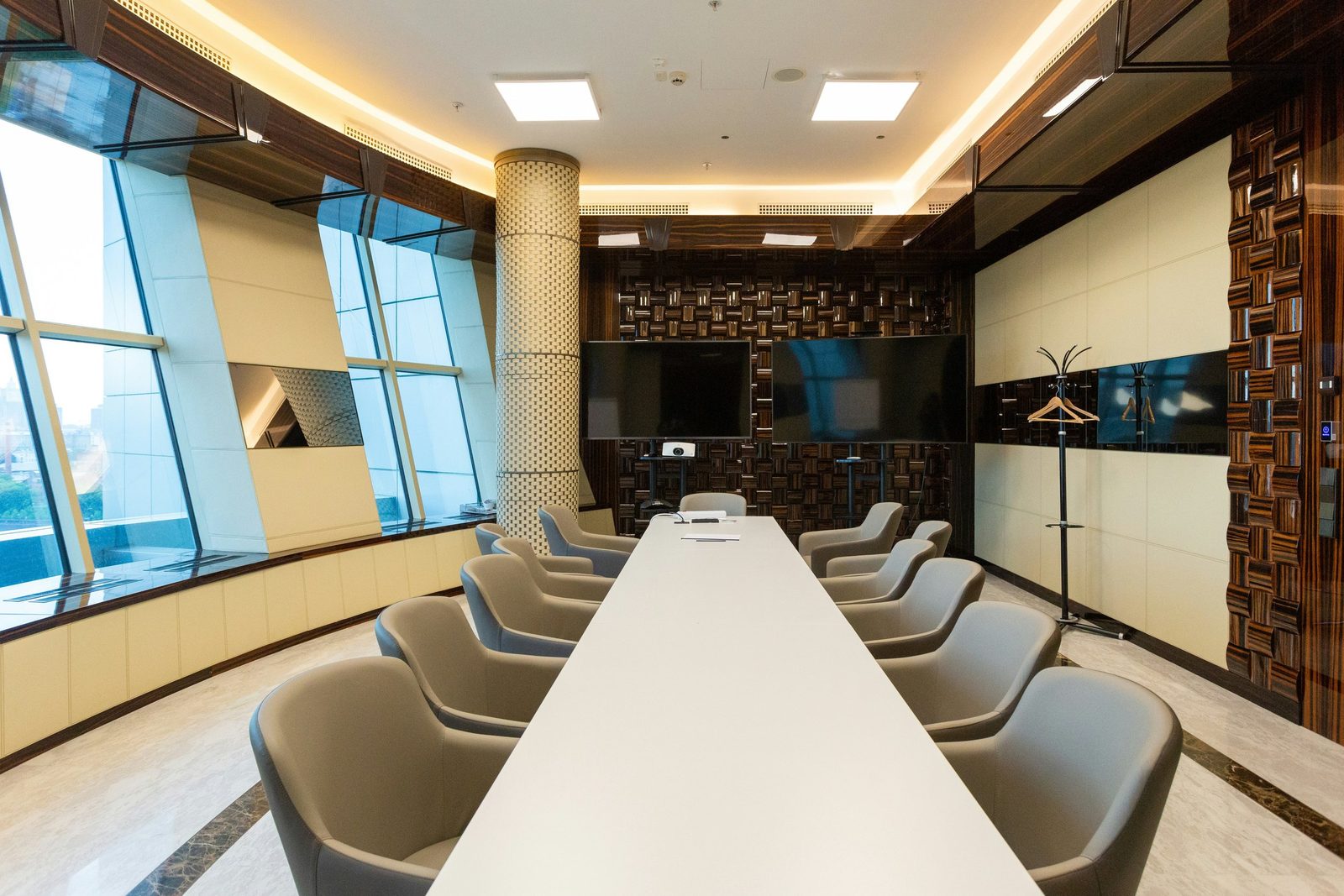
Good meeting room AV is not a matter of taste — it follows measurable design standards for how large a display must be, where the camera and microphones go, how the room should sound, and how it should be lit. The recognised reference is AVIXA, the global audiovisual standards body, whose published standards cover display image sizing (DISCAS) and audio coverage uniformity, among others. This guide sets out the standards and the practical rules of thumb a designer uses to apply them, so you can specify or assess a room against something objective rather than a salesperson’s assurance.
This is the technical companion to our meeting room AV design guide; for budgets see how much meeting room AV costs in Hong Kong.
Display sizing — the AVIXA DISCAS standard
The most common AV design mistake is a display that is too small for the room. The governing standard is AVIXA DISCAS — Display Image Size for 2D Content in Audiovisual Systems, which sets the required image size from how the room is used and how far away people sit.
DISCAS distinguishes two viewing categories, and the difference drives the whole calculation:
- Basic Decision Making (BDM) — general viewing: presentations, video, slides where people read headlines and look at images. The farthest viewer should be no more than about 6× the image height away.
- Analytical Decision Making (ADM) — detailed viewing: spreadsheets, CAD, dense data, small text where people need to read fine detail. The farthest viewer should be no more than about 4× the image height away.
For a 16:9 display, the image height is roughly half the diagonal. Working those ratios through gives a practical minimum-display-size table by the distance of the back-row viewer:
| Farthest viewer | General meetings (BDM, 6:1) | Detailed content (ADM, 4:1) |
|---|---|---|
| 3 m | 55” | 65” |
| 4 m | 65” | 86” |
| 5 m | 75” | 98–100” |
| 6 m | 86” | 110”+ (dual display or LED) |
| 7 m+ | 98”+ | LED video wall territory |
Round up to the nearest available panel size, and specify to the most demanding content the room will host — a boardroom where people review financial models is an ADM room, even if most of the time it shows slides. Beyond roughly 110 inches, a single flat panel is usually impractical and the choice becomes dual displays, projection or a direct-view LED video wall.
DISCAS also defines a closest viewer limit (so front-row seats are not uncomfortably close) and guidance on minimum text/element height for legibility — both worth checking in long, narrow rooms.
Camera placement
A correctly sized display is wasted if the camera makes everyone on the call look wrong. The standards-based principles:
- Height. Mount the camera as close to seated eye level as practical — typically just above or below the display, around 1.1–1.5 m from the floor. A camera mounted high on a wall looking down the table is the single most common cause of unflattering, top-of-head video.
- Field of view. Match the camera’s horizontal field of view to the room width so everyone at the table is comfortably in frame without huge empty margins. Wide rooms need a wider lens or a multi-camera/auto-framing approach.
- Distance and framing. People should fill a sensible portion of the frame. Modern intelligent-framing cameras adjust automatically to include and tighten on participants — now standard in well-specified rooms.
- Sight line. Keep the camera on the same wall as the primary display, so participants naturally look toward the camera when they look at the far-end video.
In a professional meeting room AV installation in Hong Kong, camera position is fixed at the survey stage — moving a camera after the room is fitted out means re-cabling and making good the wall.
Audio coverage and intelligibility
Audio matters more than video in a video call — poor audio is the number one reason remote participants disengage. AVIXA’s audio coverage standard (A102.01, Audio Coverage Uniformity) sets out how evenly sound should be distributed across the listening area. In practice, design for:
- Even coverage. Every seat should hear the far end at a similar, intelligible level — no loud seats near the speaker and dead seats at the back.
- Microphone pickup matched to the room. Tabletop or all-in-one units work in small rooms where talkers sit close. Larger and boardroom-grade rooms use ceiling microphone arrays (for example Sennheiser TeamConnect Ceiling or Shure MXA-series) with a DSP, giving consistent pickup regardless of where people sit. As a rule of thumb, one ceiling array covers a typical meeting-room footprint; long or divisible rooms need more than one.
- A DSP for anything beyond a simple room. A digital signal processor handles echo cancellation, noise reduction and gain so the far end hears clean speech — essential in the glass-walled, hard-floored rooms common in Hong Kong.
Acoustics
The room itself determines how good the audio can ever be. Targets a designer works to:
- Reverberation time (RT60) below about 0.6 seconds for a meeting room — ideally 0.4–0.5 s. Hard floors, glass walls and bare ceilings push this higher and smear speech; soft furnishings, acoustic ceiling tiles or wall panels bring it down.
- Ambient noise around NC-30 to NC-35 — quiet enough that air-conditioning and building noise do not intrude on a call. Noisy HVAC is a frequent and fixable culprit.
- Isolation between adjacent rooms, so confidential conversations stay in the room and the meeting next door is not audible.
Glass-walled meeting rooms — almost a Hong Kong default — are the hardest case: highly reflective and poorly isolated. They can be made to work, but the audio system has to be specified for the room, and some acoustic treatment is often worth the cost.
Lighting
Lighting is part of AV design because it determines how people appear on camera:
- Avoid backlighting. A participant seated with a window behind them becomes a silhouette. Position seating, or manage blinds, so faces are lit from the front.
- Light the faces. Aim for roughly 300–500 lux on participants’ faces, even and diffuse rather than harsh and directional.
- Colour temperature around 3500–4000K for a natural skin tone on camera; mixing daylight and warm office lighting can give an unnatural cast.
Mounting heights and ergonomics
- Display height. Mount so the bottom of the active screen is roughly 1.2 m from the floor — high enough to clear heads and laptops at the table, low enough that the back row is not craning upward. Centre the most-viewed content near seated eye line.
- Control panel. A table touch console sits within easy reach of the head of the table; a wall-mounted panel goes at a comfortable standing height (around 1.1 m to centre).
- Cable access. Provide a table connection point (floor box or table grommet) for laptop input and charging where people actually sit.
Network and platform readiness
AV design now includes the network the room depends on:
- Bandwidth and quality of service. Reliable HD video conferencing needs adequate, prioritised bandwidth; congested or unmanaged networks cause the freezes and drop-outs users blame on the AV. See why your business has Wi-Fi performance issues.
- Wired where it matters. Room systems should be on a wired connection, not Wi-Fi, for stability — another reason to plan structured cabling into the room.
- Platform fit. The room platform (Microsoft Teams Rooms or Zoom Rooms) and certified hardware should be chosen alongside the physical design — see Teams Rooms vs Zoom Rooms and the certified devices guide.
Quick reference by room type
| Room type | Display | Camera | Audio |
|---|---|---|---|
| Huddle (2–4) | 55” | All-in-one bar, auto-framing | Built into the bar |
| Standard (6–12) | 75–86” | Auto-framing camera or bar | Ceiling or quality table mic + DSP |
| Boardroom (12–20+) | Dual 86” / large format | PTZ + intelligent framing | Ceiling mic array + DSP |
| Training / large | 98”+, projection or LED | PTZ, possibly multi-camera | Distributed audio + DSP |
Planning a meeting-room AV project?
Consultancy, design and installation to international standards
Meeting room AV design standards FAQs
What size display do I need for my meeting room?
Size the display from the farthest viewer. Under the AVIXA DISCAS standard, the farthest viewer should be no more than about 6× the image height away for general meetings, or 4× for detailed content like spreadsheets. In practice that means roughly a 65” display for a room where the back row sits 4 m away (general use), or 86” if people read fine detail. Always round up to the next available panel size and specify to the most demanding content the room will host.
What is the AVIXA DISCAS standard?
DISCAS — Display Image Size for 2D Content in Audiovisual Systems — is the AVIXA standard that determines the correct display image size from how a room is used and how far away viewers sit. It defines two viewing categories (Basic Decision Making for general viewing and Analytical Decision Making for detailed content), each with a maximum viewing-distance-to-image-height ratio, plus closest-viewer limits and content legibility guidance.
Why does audio quality matter more than video in meeting rooms?
Participants tolerate imperfect video far better than poor audio. Poor audio — echo, uneven levels, background noise, dropped words — is the leading reason remote participants disengage from a meeting. Designing to an even-coverage audio standard, with microphones matched to the room and a DSP for echo and noise control, has a bigger effect on meeting quality than upgrading the camera.
How do I fix a glass-walled meeting room that echoes?
Glass walls and hard floors create reflections that smear speech and raise the reverberation time. The fixes are acoustic treatment (acoustic ceiling tiles, wall panels, soft furnishings or carpet to bring RT60 below about 0.6 seconds), an audio system specified for a reflective room, and a DSP with strong echo cancellation. For confidentiality, glazing and door seals also need to address sound leakage between rooms.
How high should a meeting room display be mounted?
Mount the display so the bottom of the active screen is roughly 1.2 m from the floor — high enough to clear people’s heads and laptops at the table, low enough that the back row is not looking sharply upward. Position the most-viewed content near seated eye level, and keep the camera close to eye level on the same wall as the display.
How PTS approaches AV design
PTS designs audiovisual systems to recognised standards, not guesswork. Our AV practice is led by an AVIXA CTS-D (Certified Technology Specialist — Design) consultant, and we design displays, cameras, audio and acoustics as one coordinated system — then integrate it with your IT, structured cabling and Microsoft 365 or Zoom environment.
Whether you are fitting out a new office or fixing a room that has never quite worked, our meeting room and video conferencing installation service covers survey, design, install, testing and training end to end.
Contact PTS Managed Services at ptsconsulting.com.hk
PTS Managed Services provides managed IT support, structured cabling, audiovisual design and installation, and IT consultancy services for businesses across Hong Kong.
Tags:
Relevant service
AV Design & Consultancy
Independent AV design — meeting rooms, Teams and Zoom Rooms, and video walls.